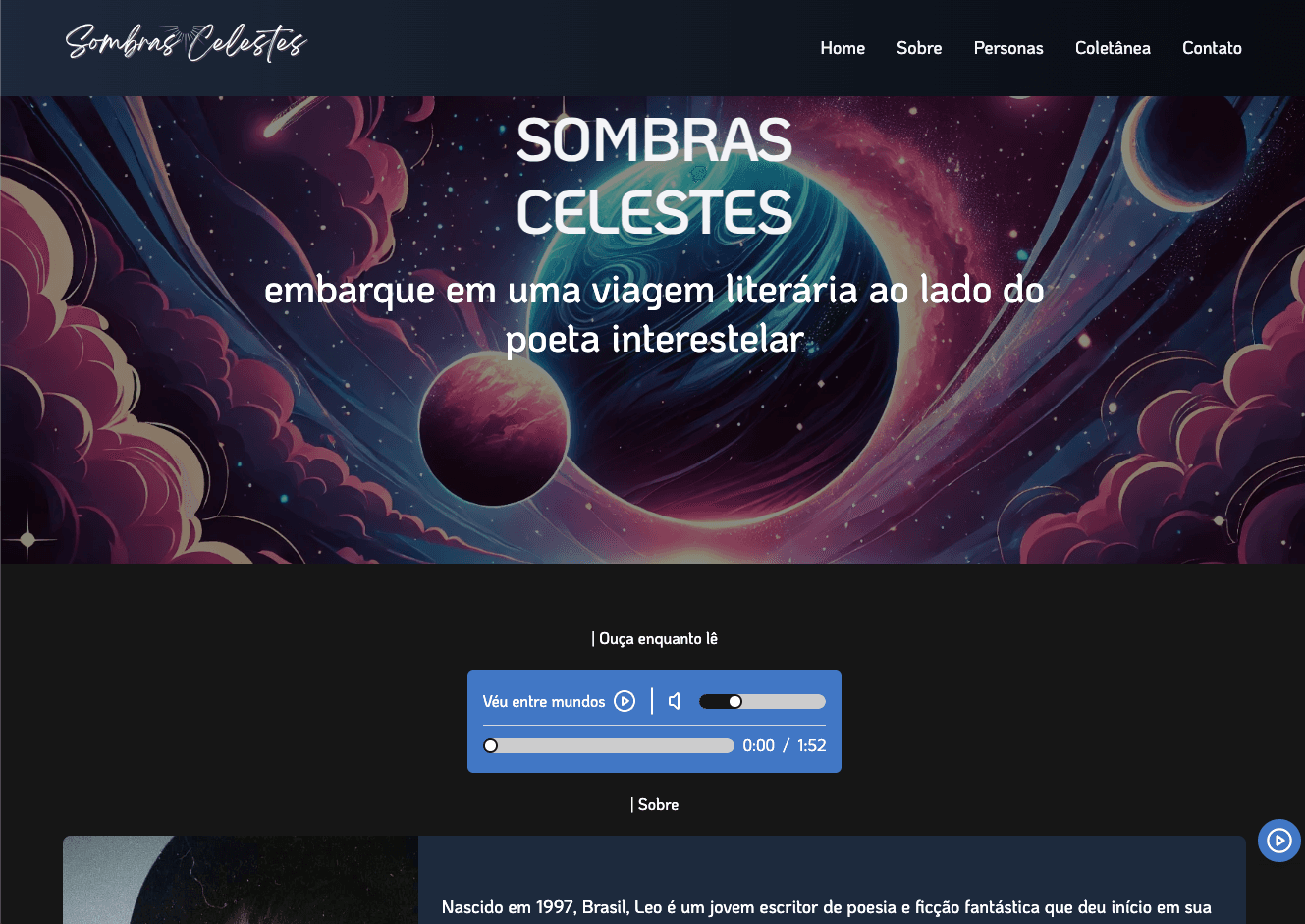
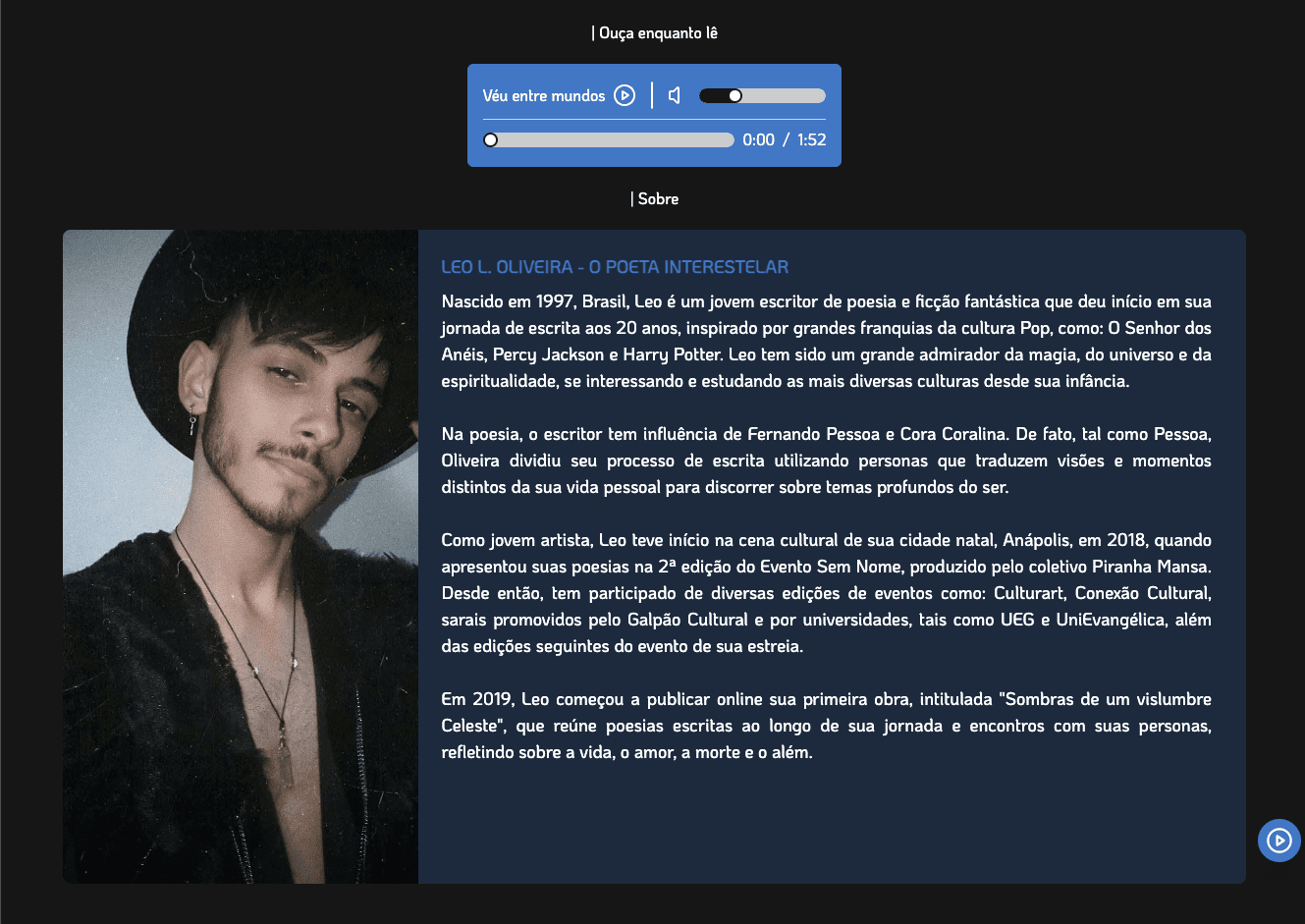
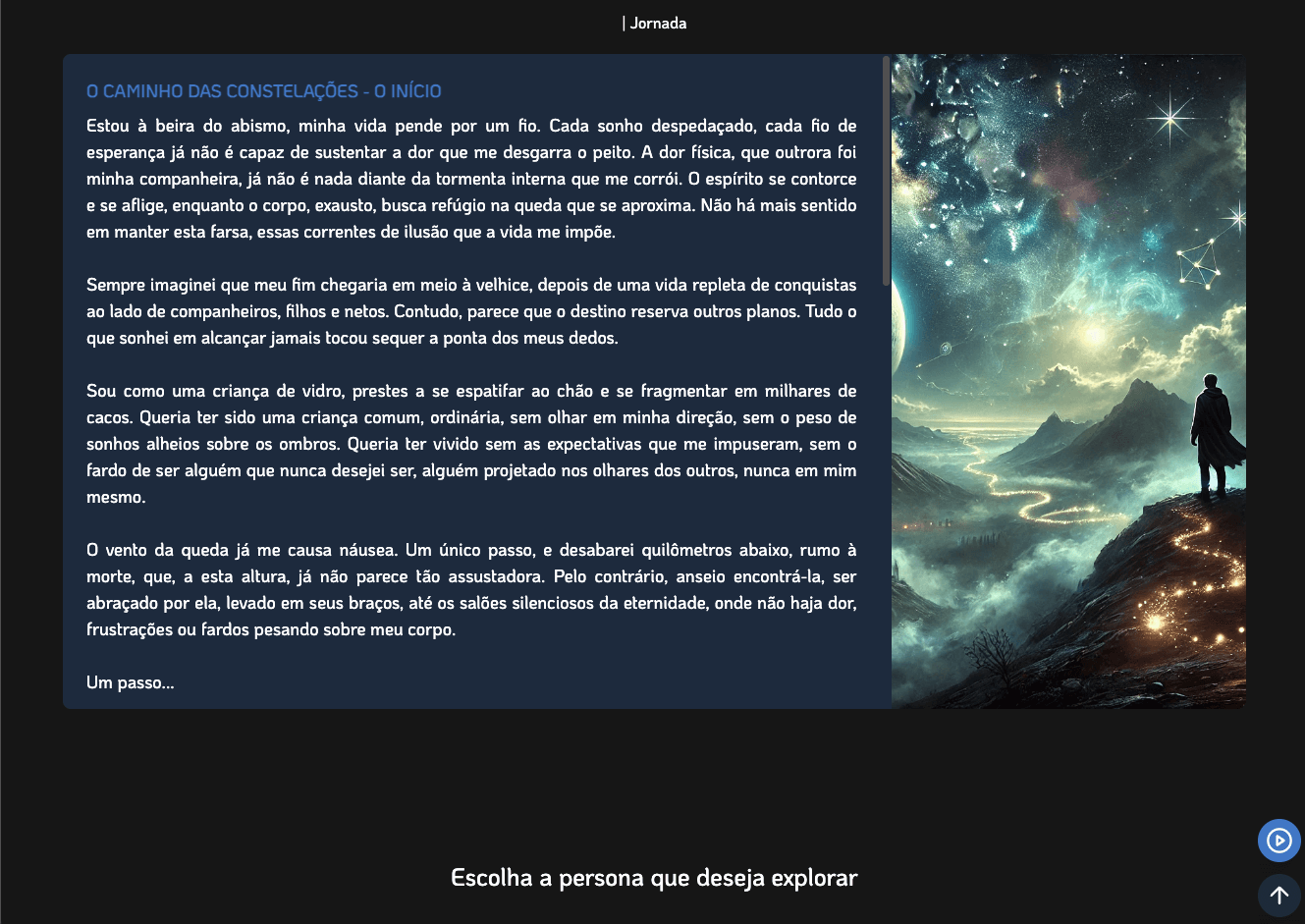
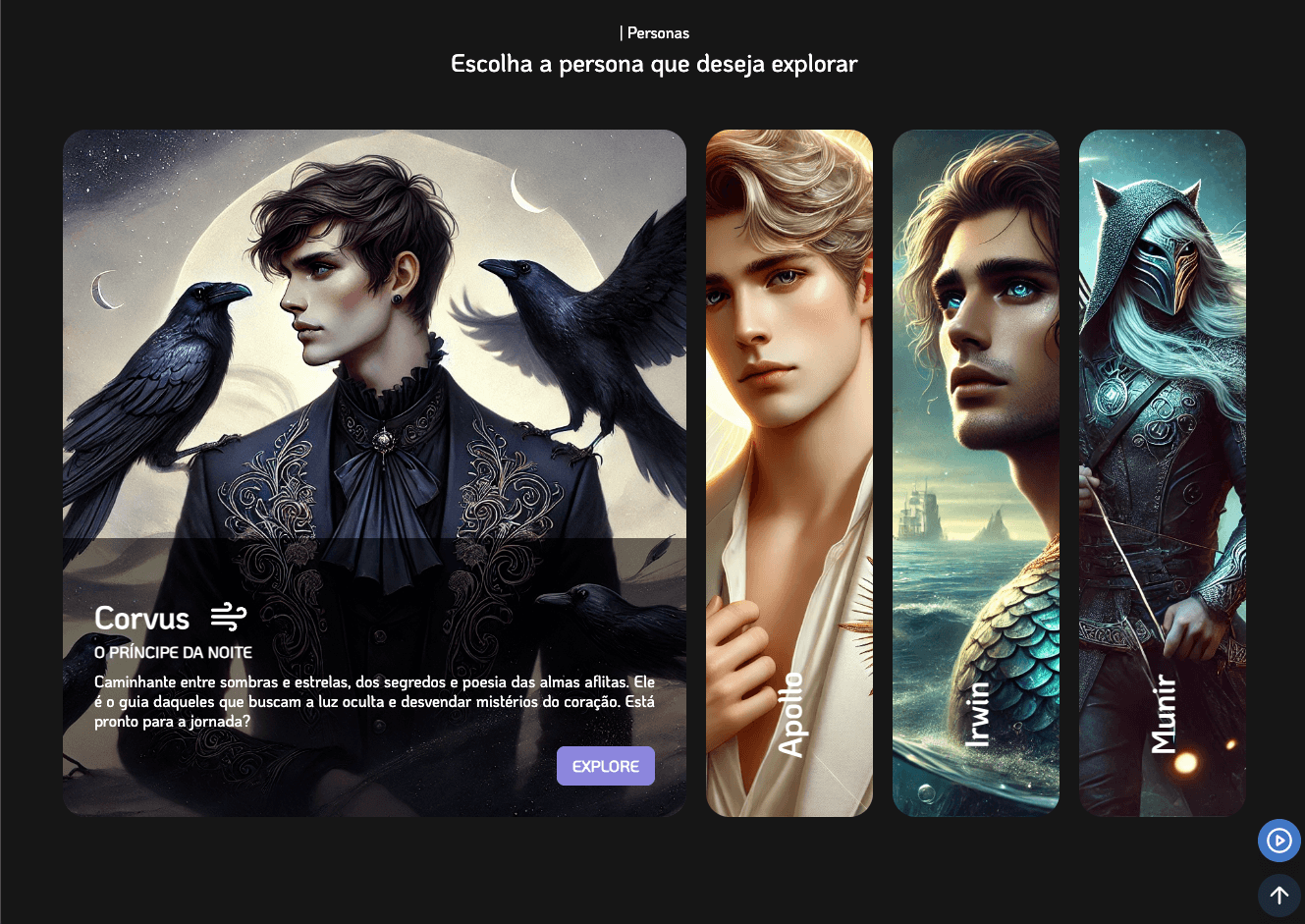
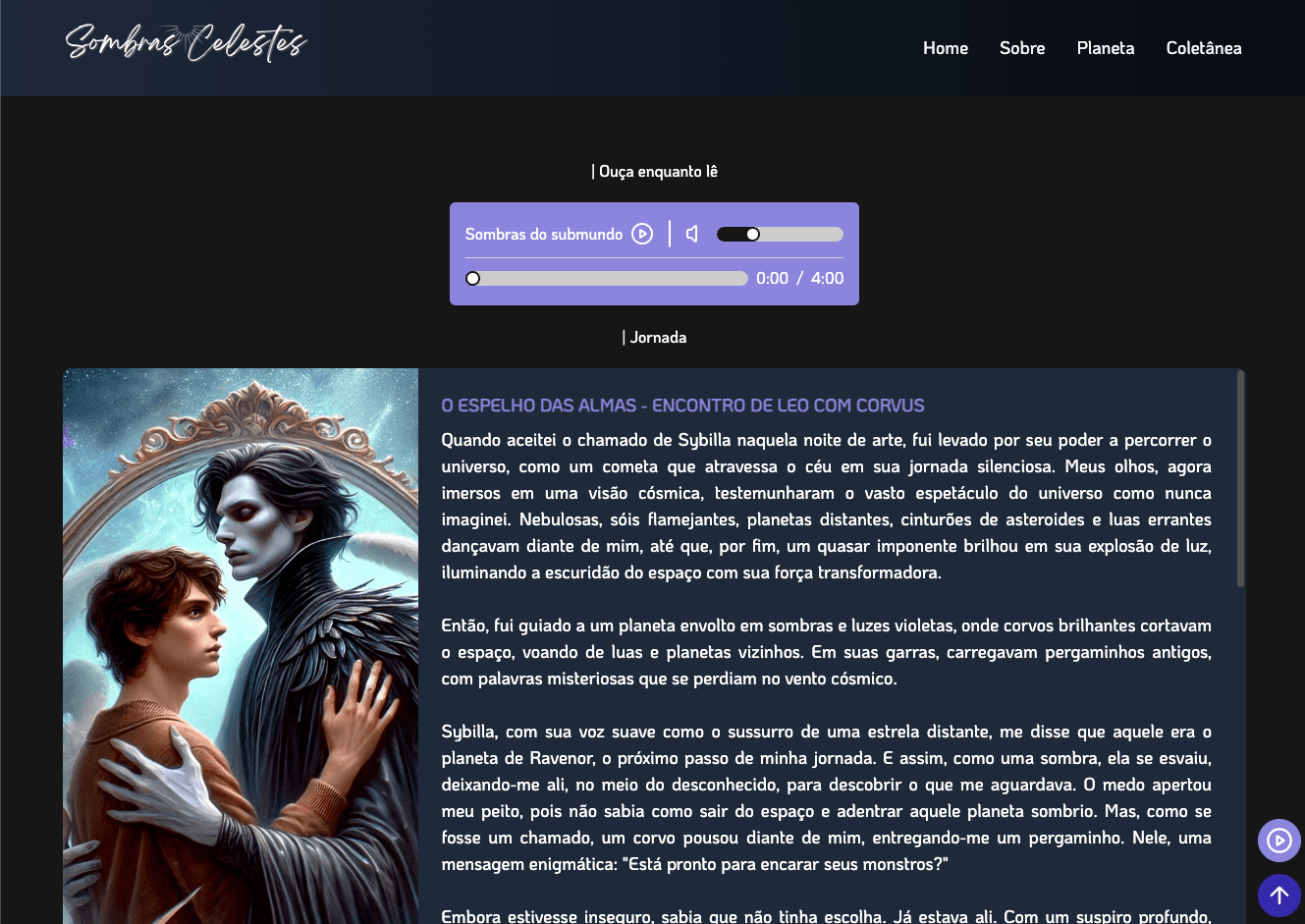
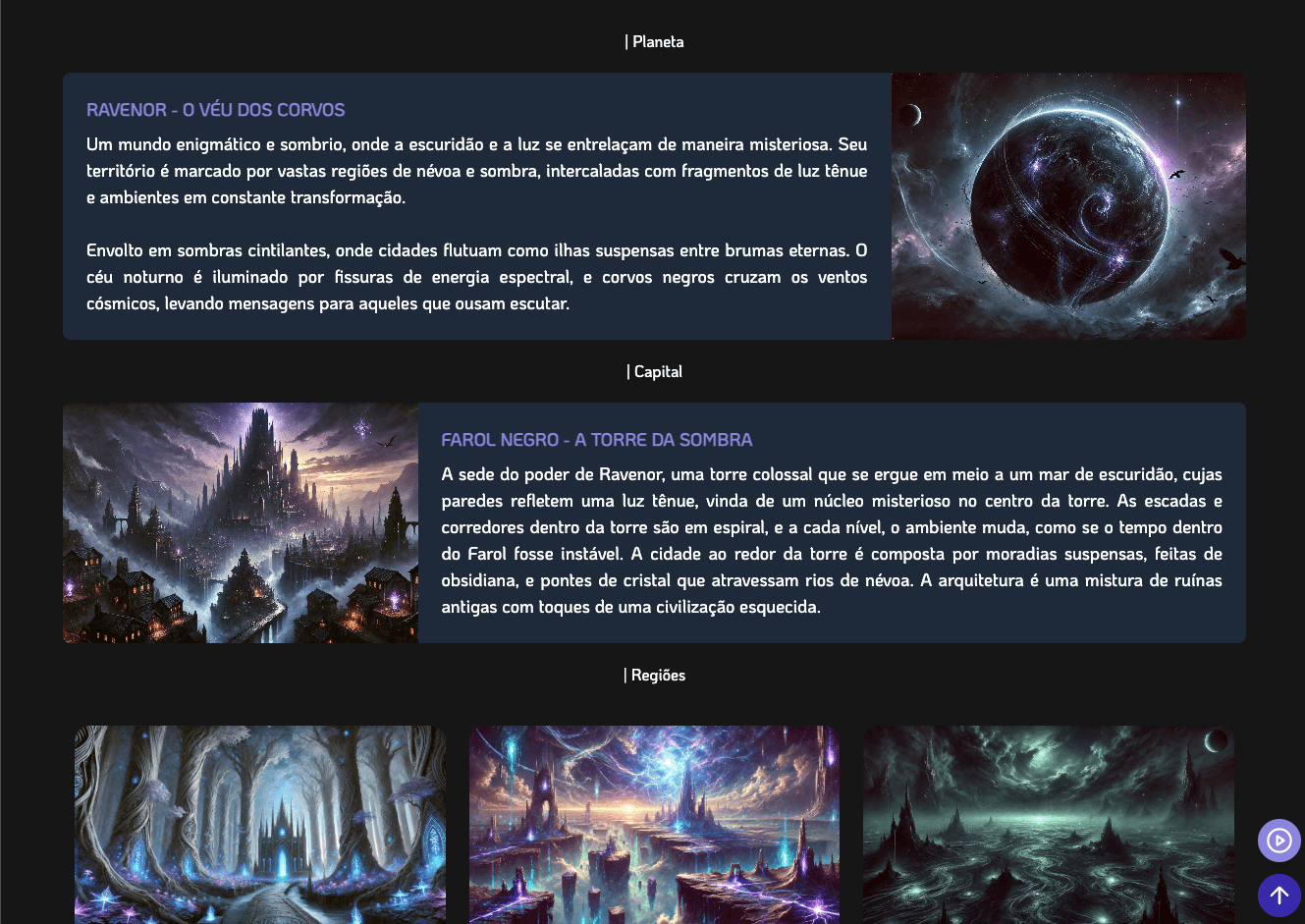
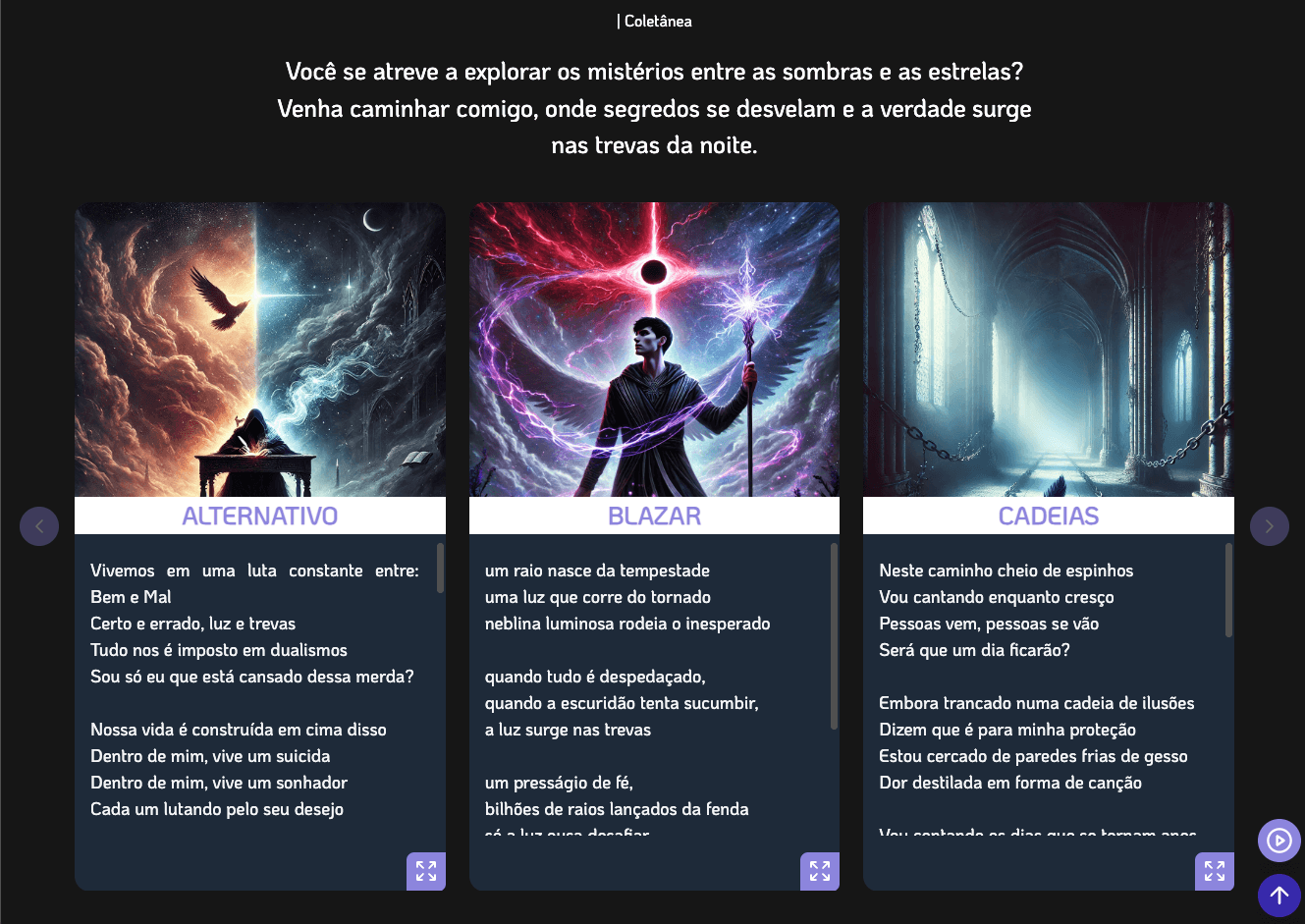
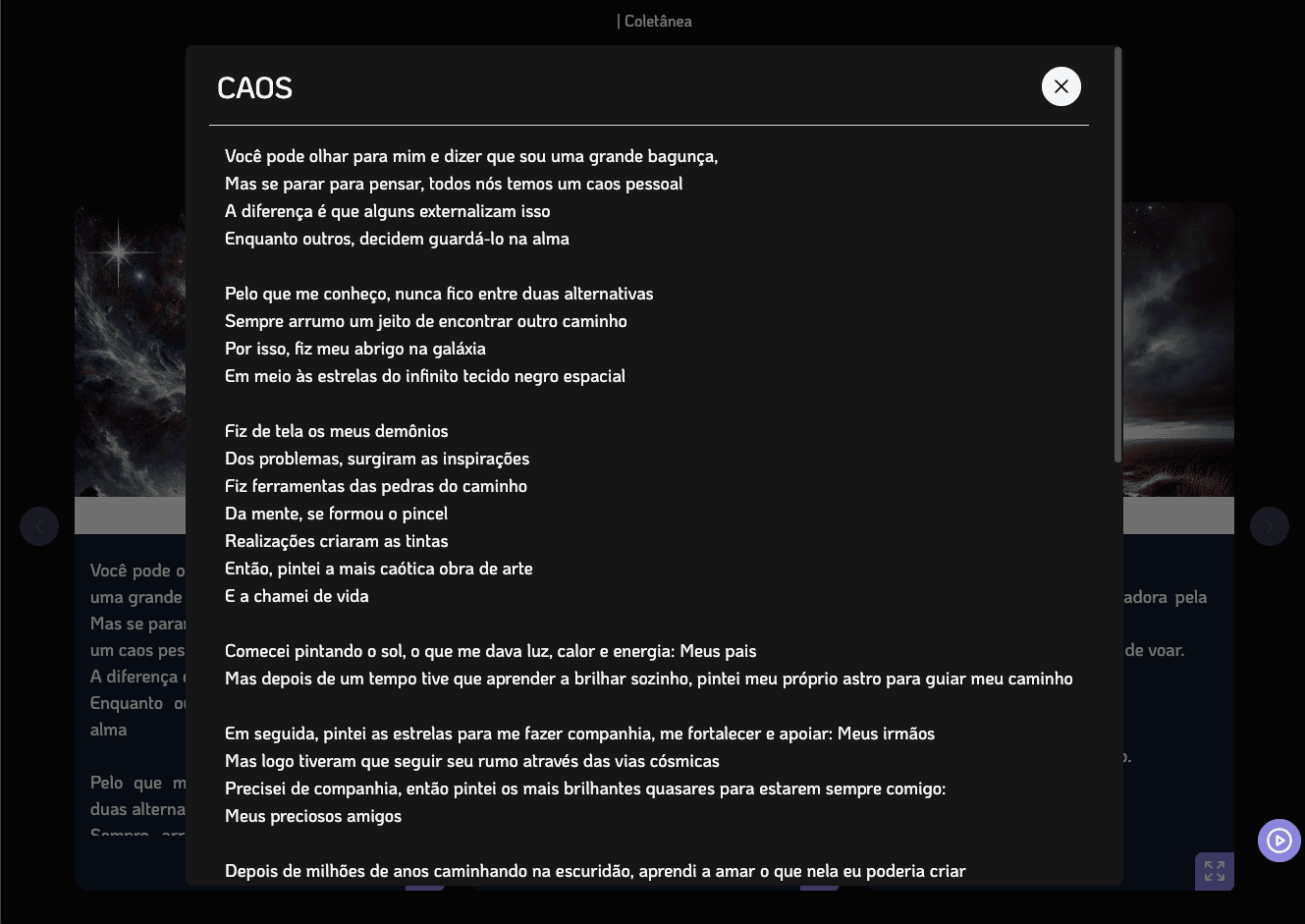
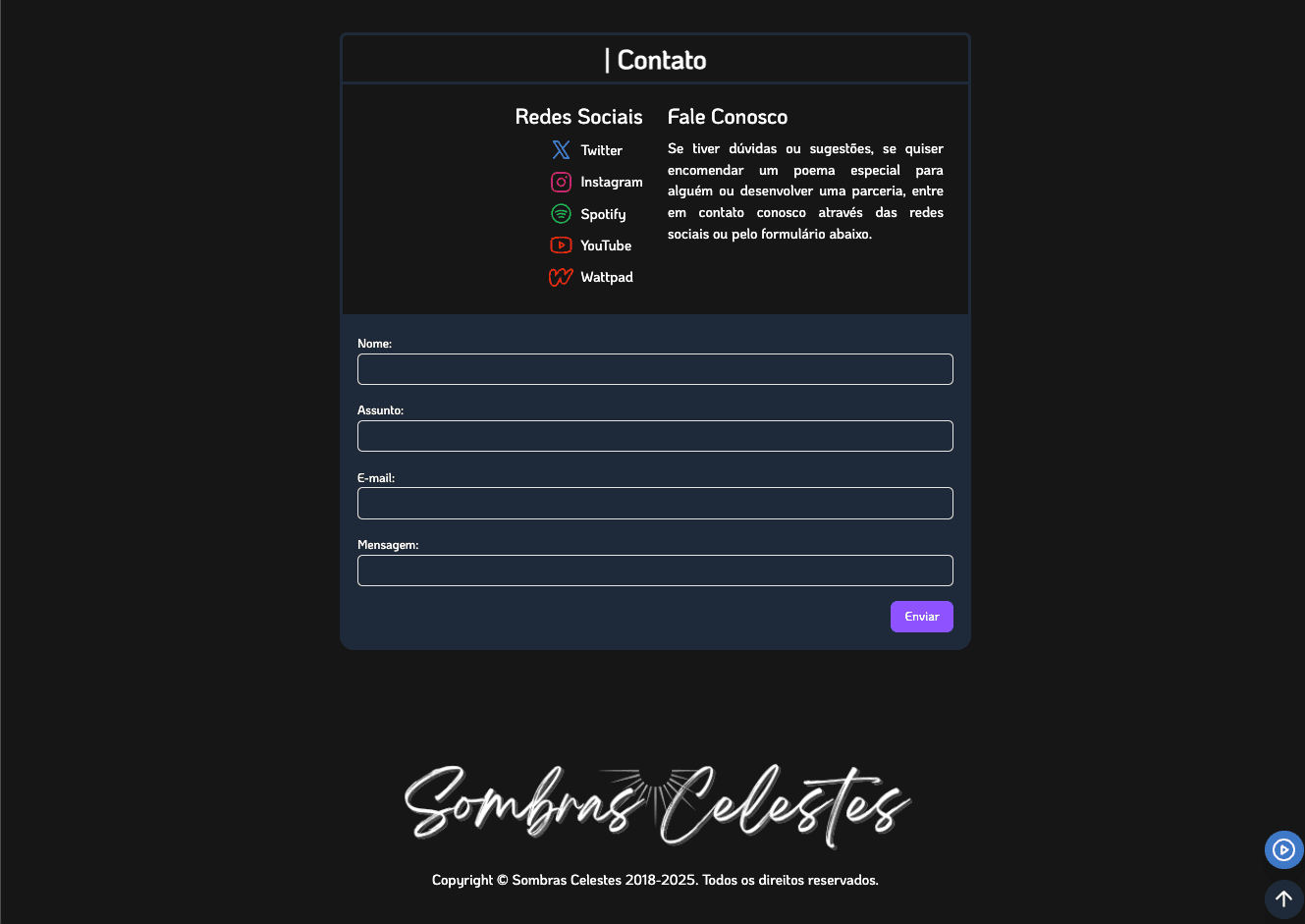


Visit the website at the link: https://heavenly-shadows.web.app/
📚 About the project
Heavenly Shadows is a literary website dedicated to the poetry collection Sombras de um Vislumbre Celeste (Shadows of a Celestial Glimpse), by Leo L. Oliveira. The platform offers a unique visual, interactive experience to explore the author’s different poetic styles and personae.
🛠️ Tech stack
Frontend
- Next.js 15 — React framework for web applications
- React 19 — JavaScript library for user interfaces
- TailwindCSS 4 — Utility-first CSS framework
- Framer Motion — Animation library
- ShadCN — Modern UI components
- React Query — State management and caching
- React Hook Form — Form handling
- Zod — Schema validation
Backend
- Firebase Firestore — NoSQL database
- Firebase Admin SDK — SDK for authentication and management
- MailerSend — Email delivery service
Infrastructure
- Vercel — Hosting and continuous deployment (CD)
🎨 Project structure
heavenly-shadows/
├── app/            # App pages and routes
│   ├── api/        # API routes
│   ├── actions/   # Server Actions
│   ├── components/# Reusable components
│   ├── hooks/     # Custom hooks
│   ├── lib/       # Utilities and config
│   ├── services/  # External services
│   ├── types/     # Type definitions
│   └── styles/    # Global styles
🚀 Getting started
Prerequisites
- Node.js (version 16 or higher)
- npm or yarn
Installation
- Clone the repository:
git clone [REPOSITORY_URL]
cd heavenly-shadows
- Install dependencies:
npm install
- Set up environment variables:
# .env.local
FIREBASE_PRIVATE_KEY=your-private-key
FIREBASE_PROJECT_ID=your-project-id
FIREBASE_CLIENT_EMAIL=your-client-email
MAILER_SEND_KEY=your-mailer-send-key
- Start the development server:
npm run dev
📄 License
This project is licensed under the MIT License.