



📱 About the Project
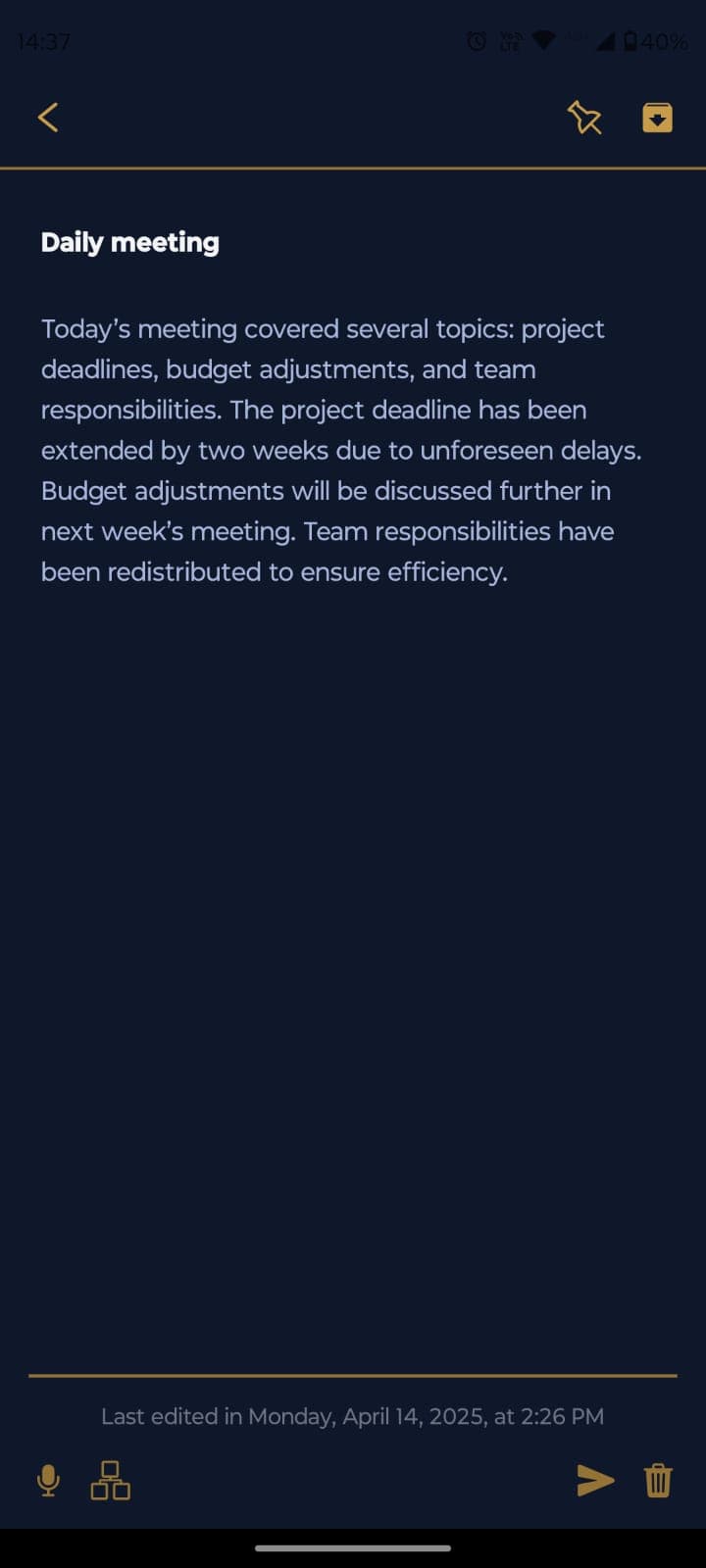
Solon is a smart notes application that combines the power of AI with a modern mobile interface. The app offers an intuitive experience for creating, organizing, and managing notes, with advanced features such as voice recognition, AI-powered text processing, and cloud synchronization.
🚀 Architecture Overview
The project is structured in three main parts:
Frontend (Mobile)
- Built with React Native and Expo
- Modern UI with TailwindCSS
- Offline-first approach with AsyncStorage
- Voice recognition and transcription
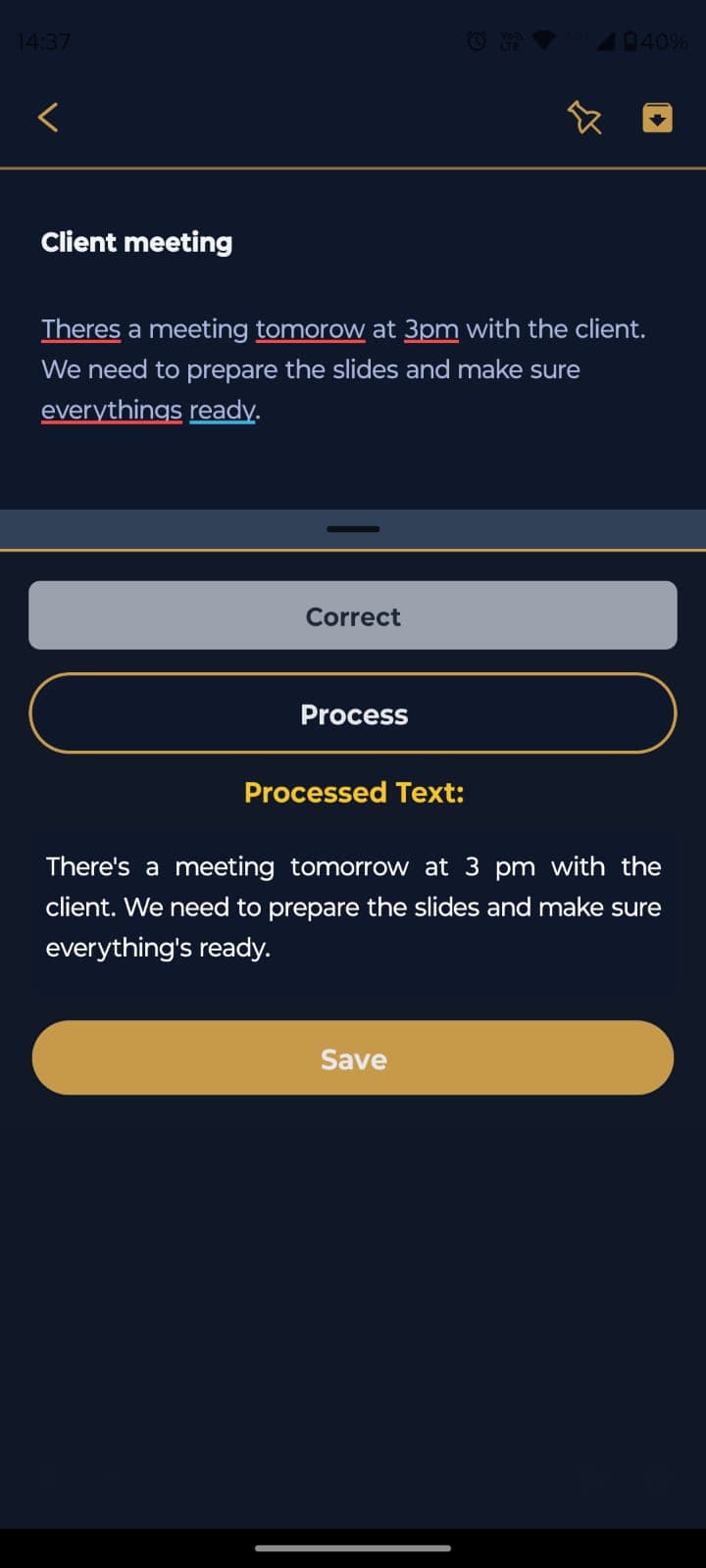
- AI-powered text processing
Backend (API)
- NestJS framework
- Firebase integration for authentication and database
- Google Cloud services for AI features
- RESTful API architecture
Core (Shared)
- Shared types and interfaces
- Common utilities and constants
- Cross-platform business logic
🛠️ Technologies
Frontend
- Expo - Platform for React Native app development
- React Native - Mobile development framework
- TypeScript - Typed programming language
- TailwindCSS - CSS framework for styling
- React Navigation - Screen navigation
- AsyncStorage - Local storage
- React Native Voice - Voice recognition
- Expo Router - File-based routing
Backend
- NestJS - Node.js framework
- TypeScript - Typed programming language
- Firebase - Development platform
- Firestore - NoSQL database
- Firebase Auth - User authentication
- Google Cloud - Cloud services
- Google Speech-to-Text - Audio transcription API
- Google Generative AI - Gemini 1.5 Flash model
- Jest - Testing framework
Core
- TypeScript - Shared types and interfaces
- Jest - Testing utilities
🛠️ Key Features
📝 Note Edition
- Voice recognition support
- Tags and markers for precise searches
- Real-time synchronization
🗂️ Smart Organization
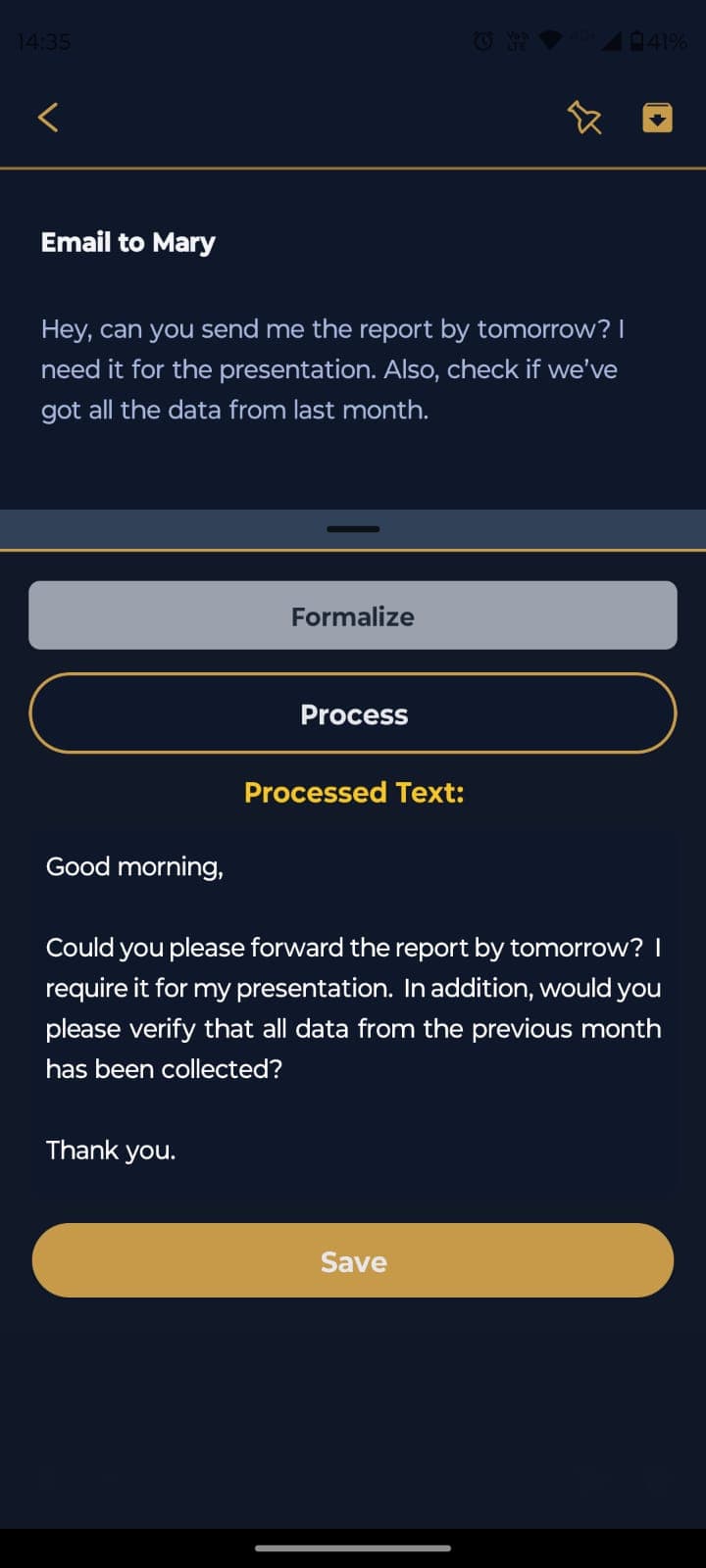
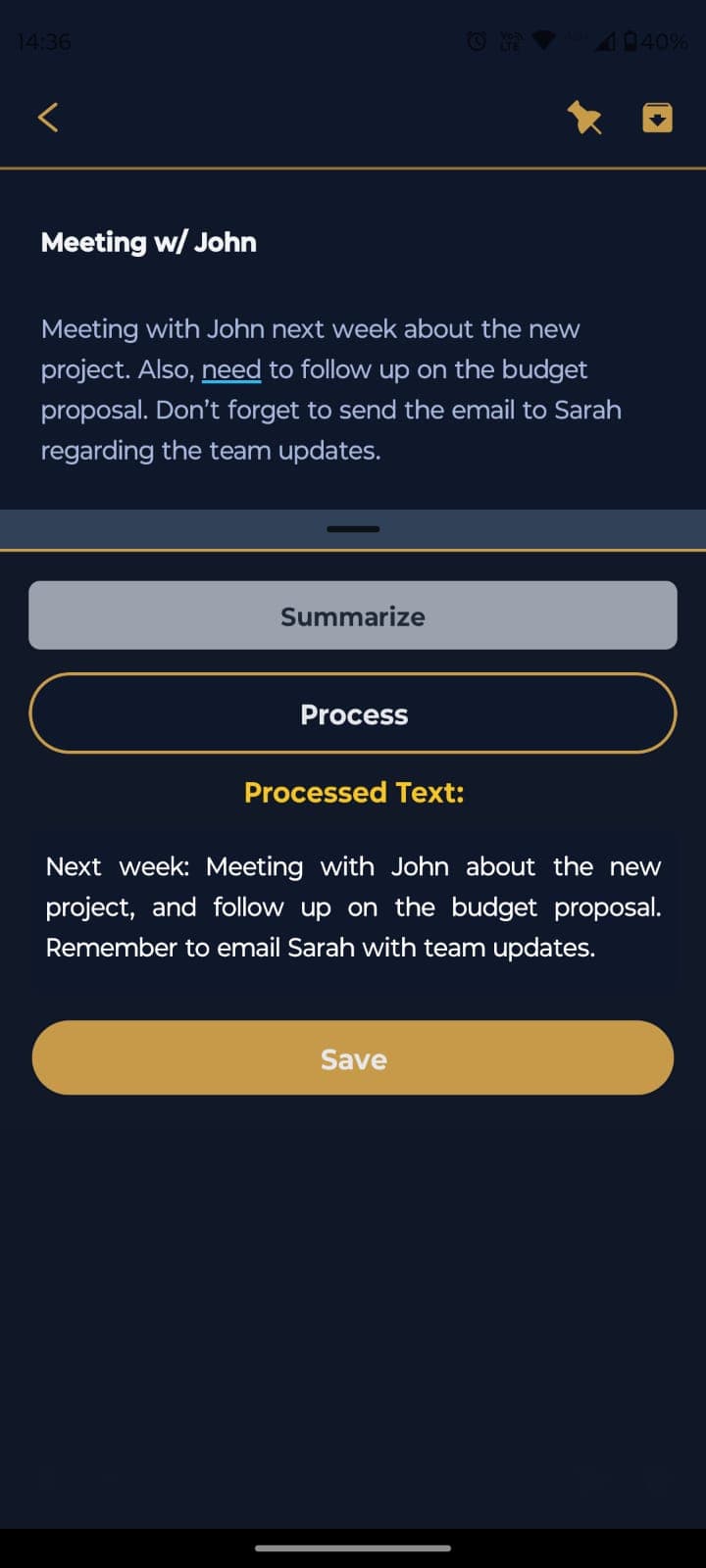
- Summarization: Generates concise summaries while maintaining key ideas
- Text Correction: Automatically fixes grammar and spelling errors
- Topic Extraction: Identifies and extracts main topics from notes
- Text Formalization: Transforms text to a more formal tone when needed
📋 Screen Mapping
Authentication
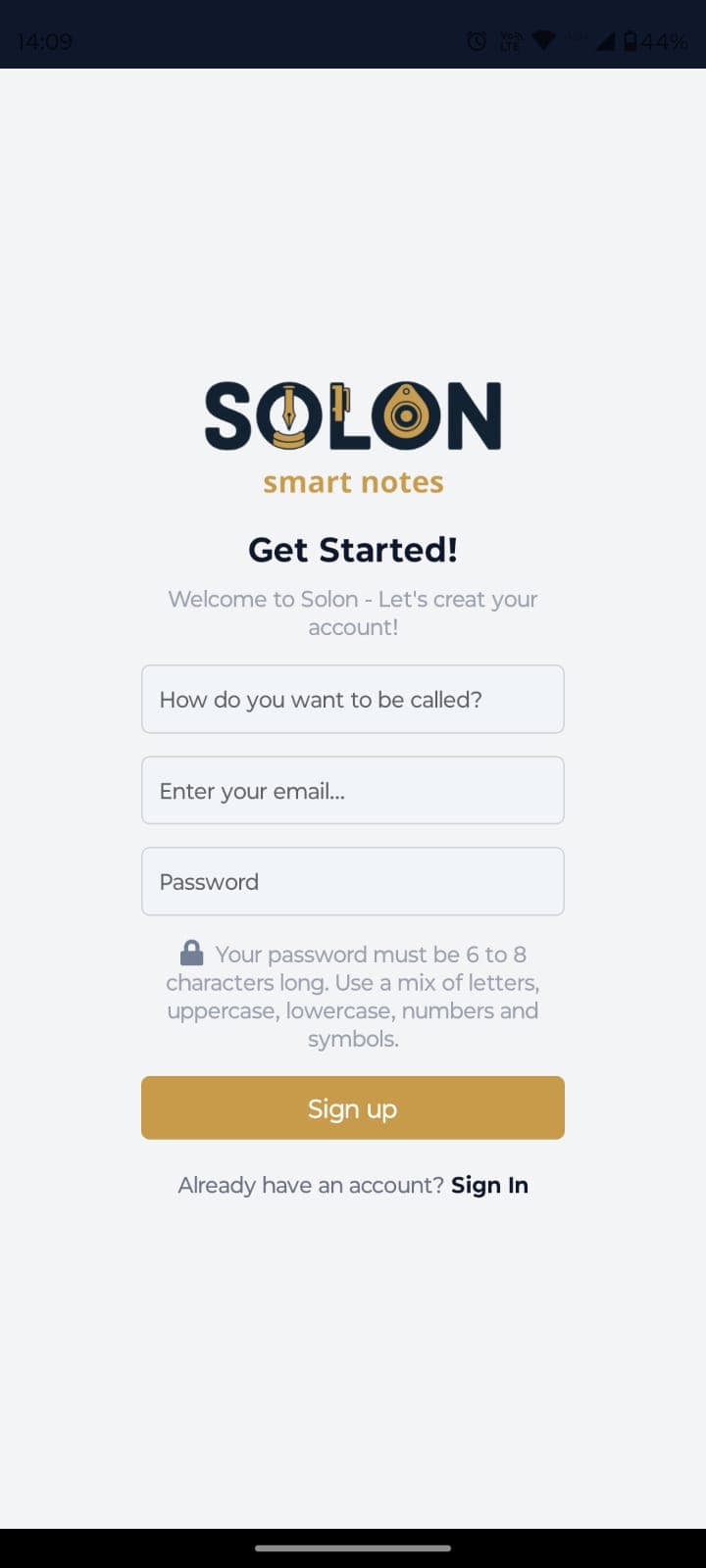
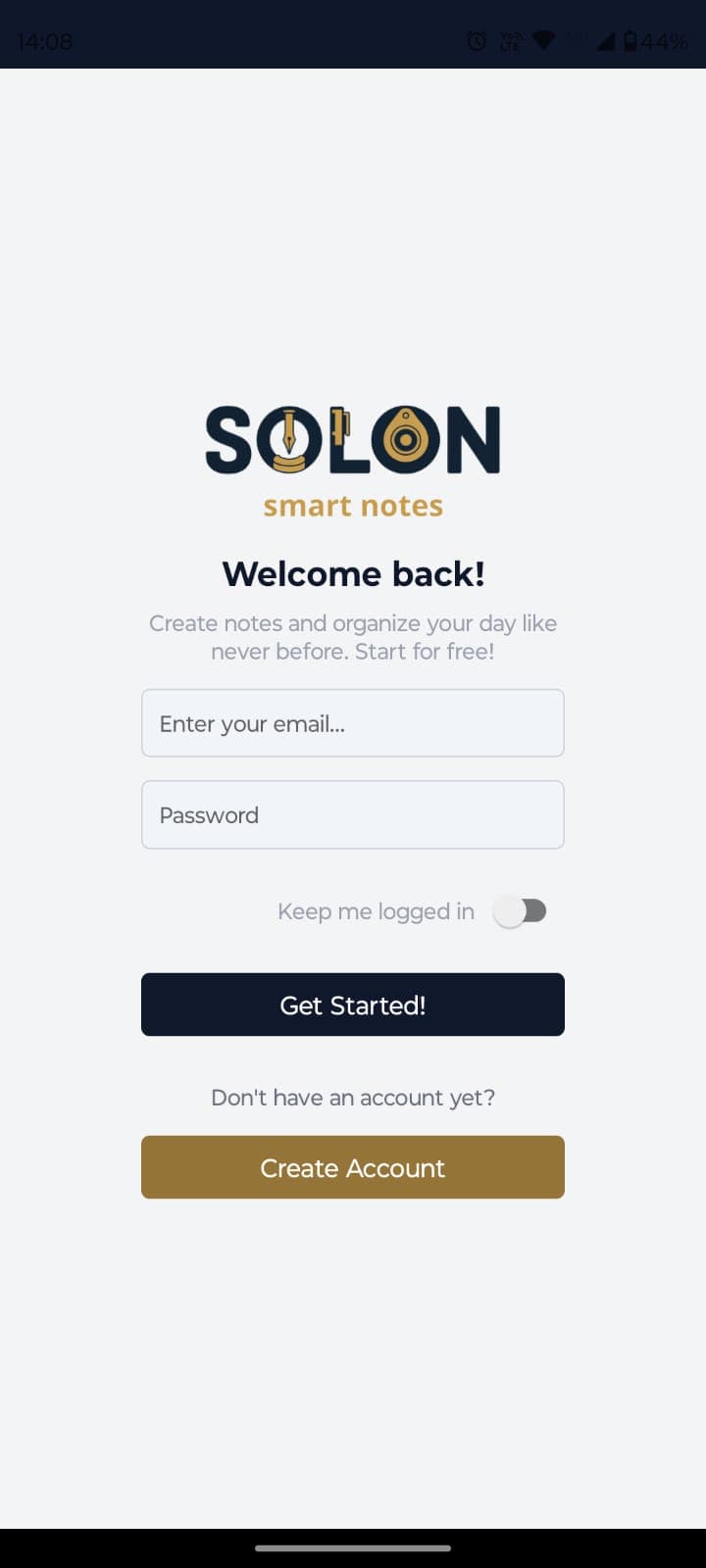
- Secure authentication with Firebase Auth
- Email and password login
- Simple registration process
Main Features
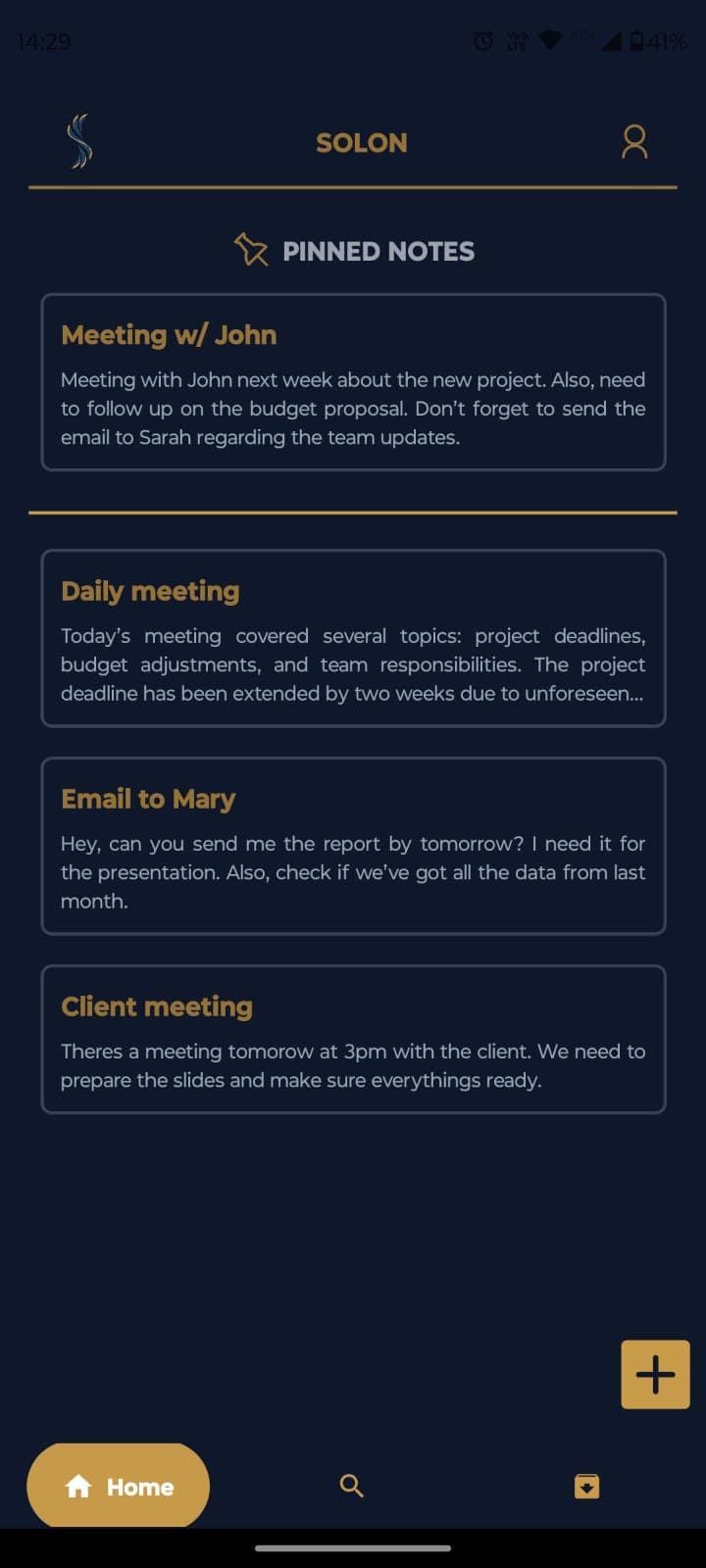
- Dashboard with recent notes
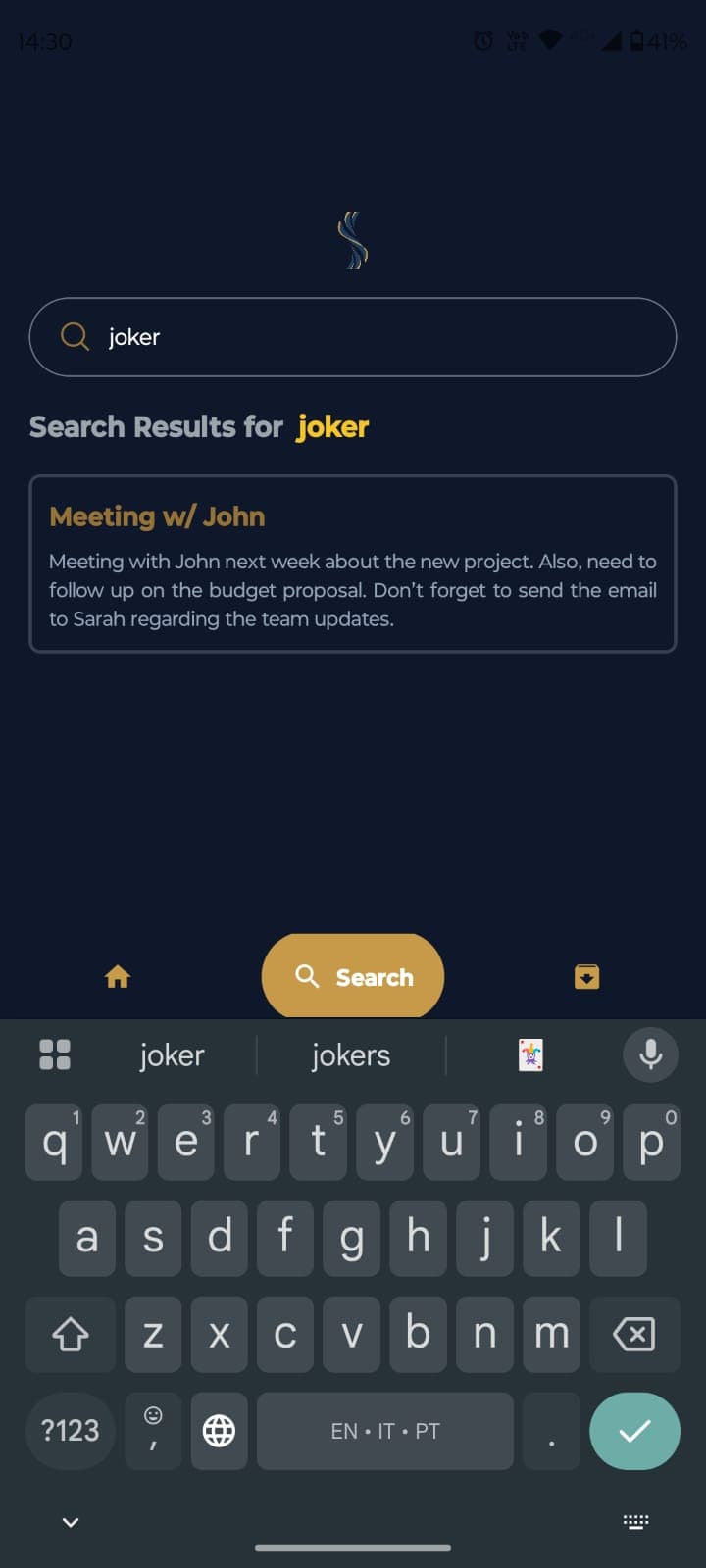
- Smart search functionality
- Archive for organizing notes
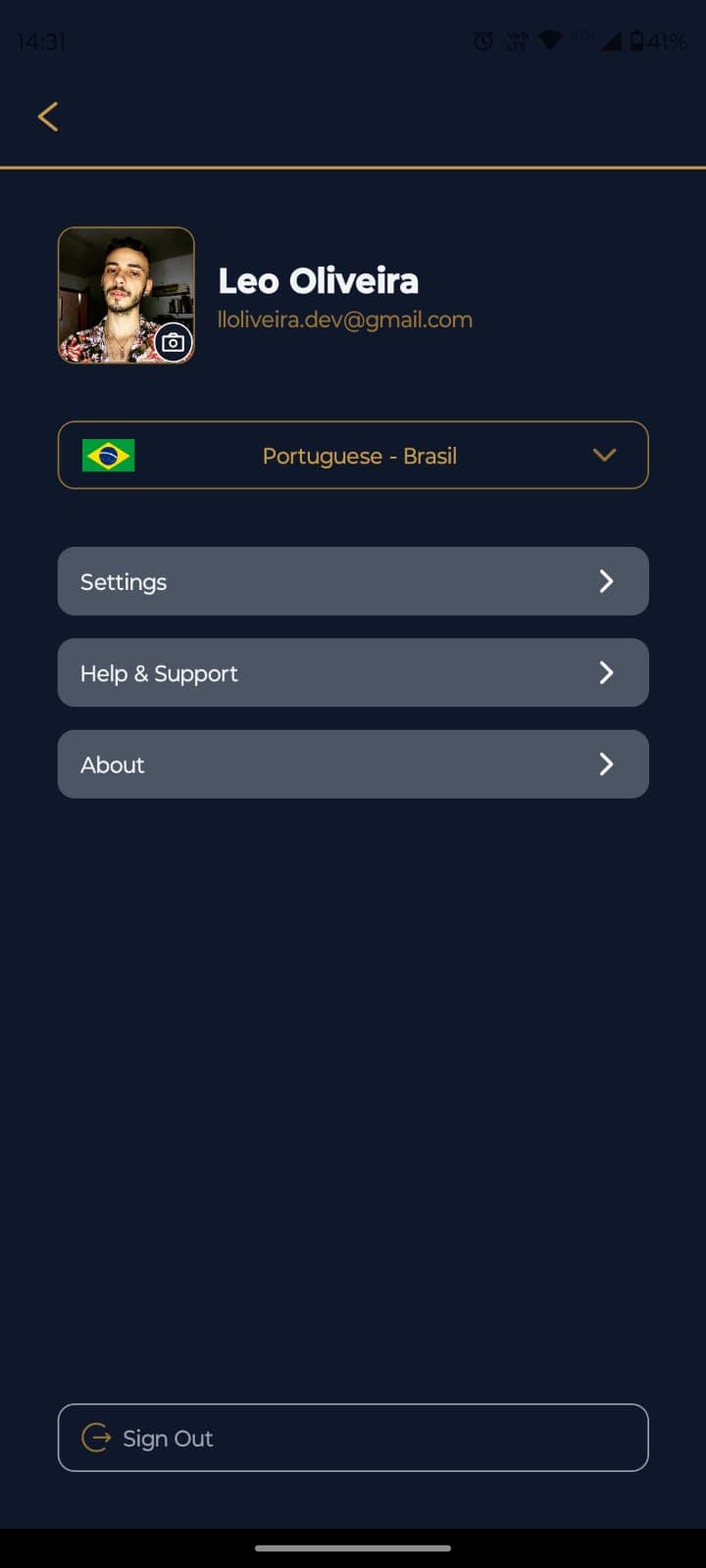
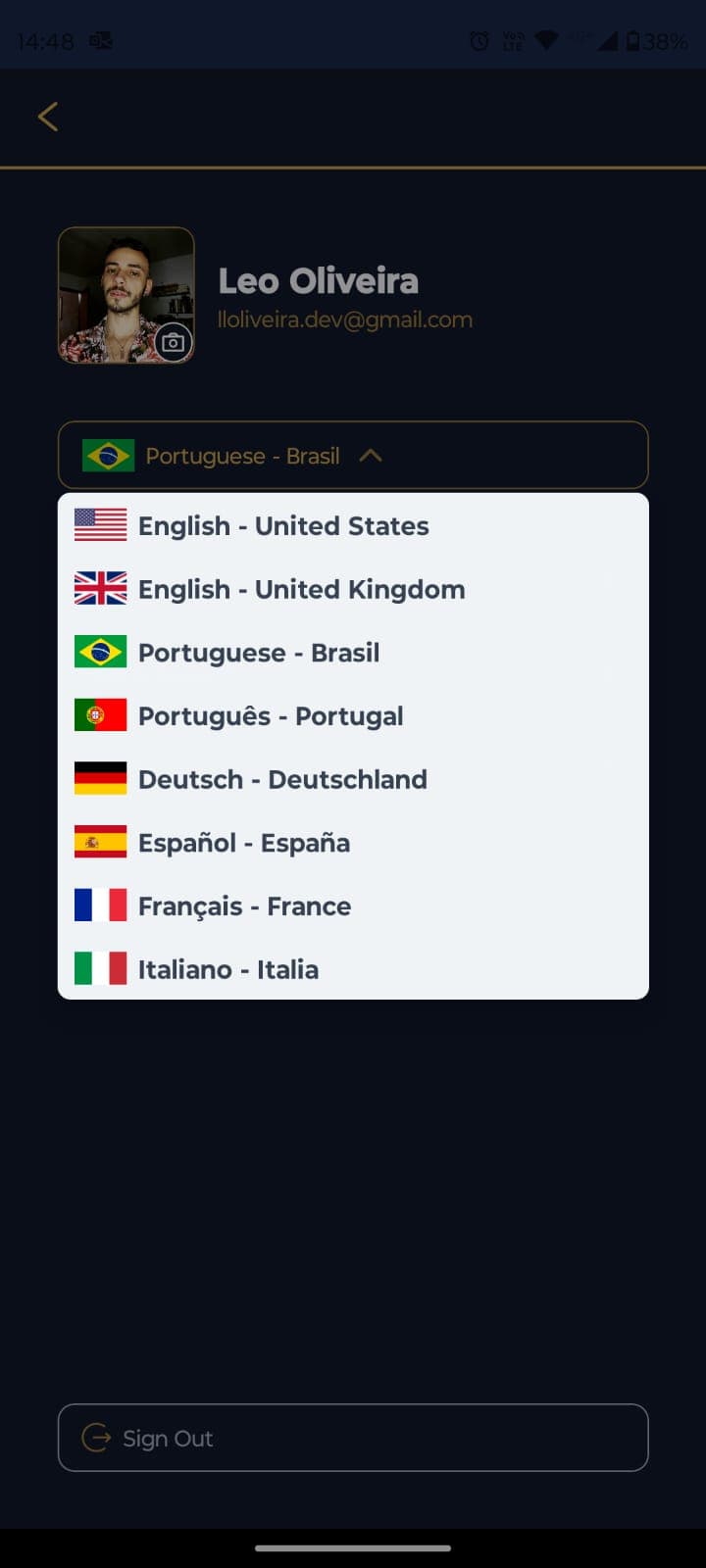
- User profile and settings
🚀 Project Structure
solon/
├── frontend/         # Mobile application
│   ├── app/         # Main routes and pages
│   ├── components/  # Reusable components
│   ├── assets/      # Static resources
│   ├── context/     # React contexts
│   ├── utils/       # Utility functions
│   ├── constants/   # Constants and configurations
│   └── functions/   # Business functions
│
├── backend/         # API server
│   ├── src/
│   │   ├── annotations/  # Notes module
│   │   ├── auth/        # Authentication
│   │   ├── config/      # Global configurations
│   │   ├── firebase/    # Firebase integration
│   │   ├── gemini/      # AI processing
│   │   ├── roles/       # Role management
│   │   ├── transcription/ # Voice services
│   │   └── users/       # User management
│
└── core/           # Shared code
    └── src/        # Shared types and utilities
🚀 Getting Started
Prerequisites
- Node.js (version 18 or higher)
- npm or yarn
- Expo CLI
- Firebase account
- Google Cloud account
- Android/iOS emulator or physical device
Installation
- Clone the repository:
git clone [REPOSITORY_URL]
cd solon
- Install dependencies for each part:
# Frontend
cd frontend
npm install

# Backend
cd ../backend
npm install

# Core
cd ../core
npm install
- Configure environment variables:
# Backend .env
APP_CREDENTIALS='{google-cloud-credentials}'
API_KEY='your-api-key'
PROJECT_ID='your-project-id'
PROJECT_LOCATION='your-location'
FB_CREDENTIALS='{firebase-credentials}'
FB_API_KEY='your-firebase-api-key'
- Start the development servers:
# Backend
cd backend
npm run start:dev

# Frontend
cd frontend
npm start
🤝 Contributing
Contributions are welcome! Please follow these steps:
- Fork the project
- Create your feature branch (
git checkout -b feature/AmazingFeature) - Commit your changes (
git commit -m 'Add some AmazingFeature') - Push to the branch (
git push origin feature/AmazingFeature) - Open a Pull Request
📄 License
This project is licensed under the MIT License. See the LICENSE file for details.